Totals app helps you track real-time revenue updates from Stripe, Paddle, LemonSqueezy, Gumroad, and Polar right from your macOS menubar. Follow this guide to get started.
Get Totals from TotalsApp.com or the Apple App Store and launch it. The app is reviewed, approved, and notarized by Apple's notarization service and comes from a verified developer, Aleksandar Tasevski, ensuring safety and security when using the app.
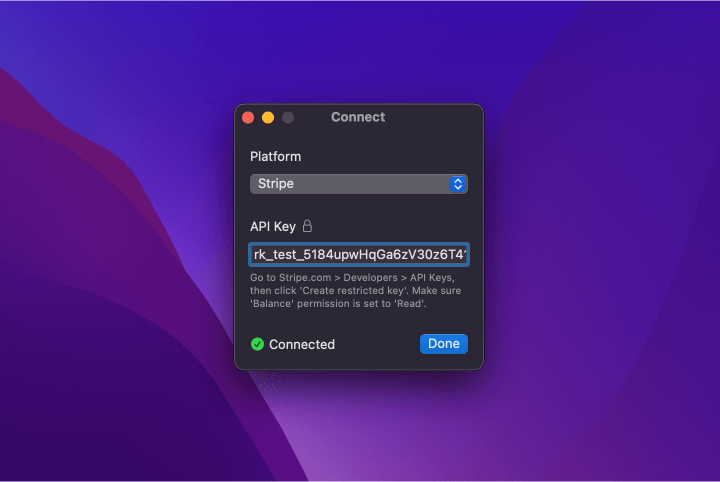
Add your API key to connect a platform. On-screen instructions will guide you to get the key. Use the Platform → Connect... button to add multiple platforms. To disconnect a platform, simply delete its API key.
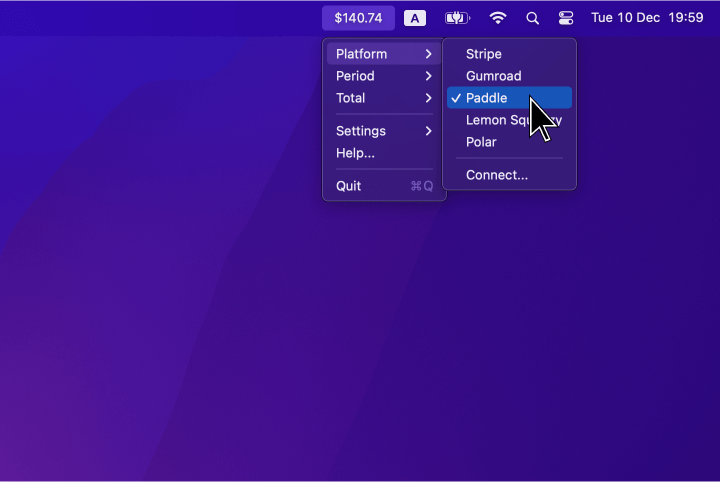
Select a platform from the Platform menu. Revenue from only one platform is shown in the menubar at a time, and you can use the same menu to toggle between platforms.
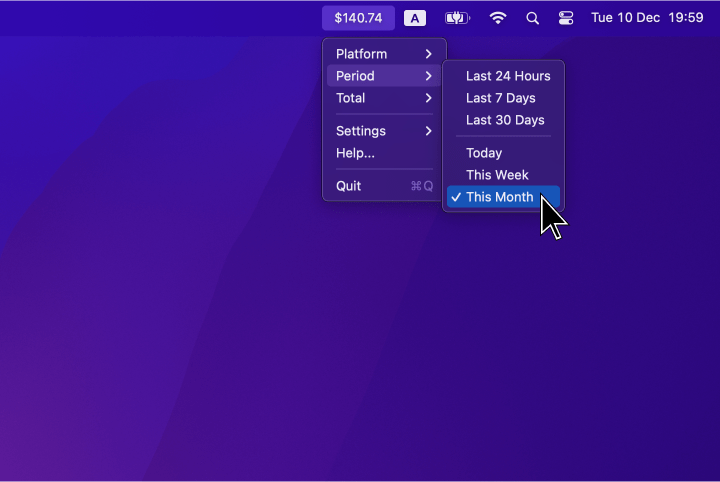
Select a default reporting period from the Period menu. The total revenue for this period will appear in the menubar. Times are in UTC to align with payment platform timezones.
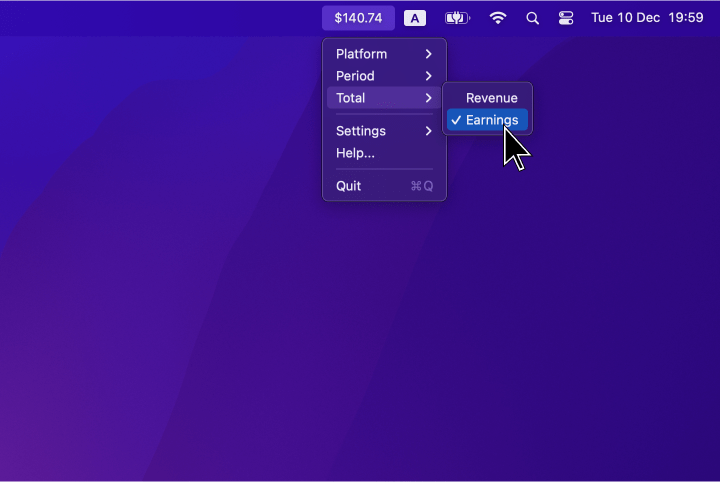
Select revenue or earnings from the Total menu. Revenue shows the full amount customers paid, while earnings exclude taxes and platform fees.
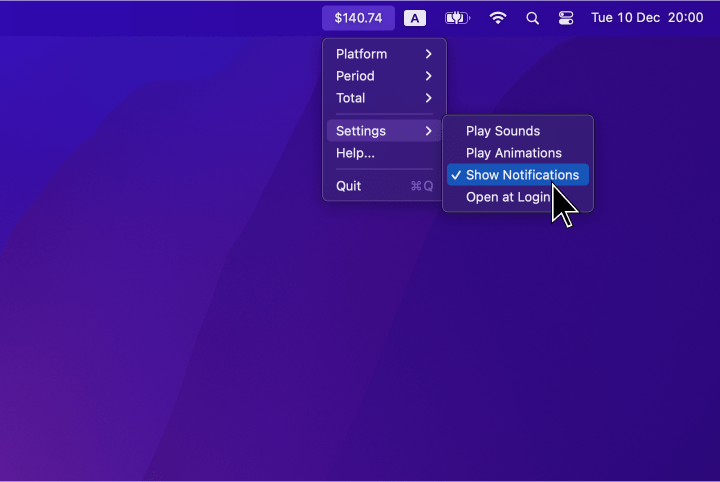
Enable sound alerts, confetti animations, system notifications, update interval, or start the app at login.
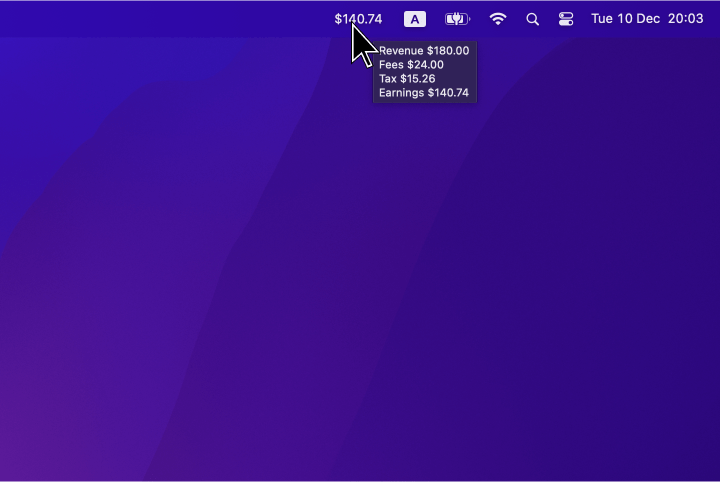
Hover over the menubar for a breakdown of revenue, earnings, fees, and taxes. Note that some platforms may not provide all details.
 Totals App